
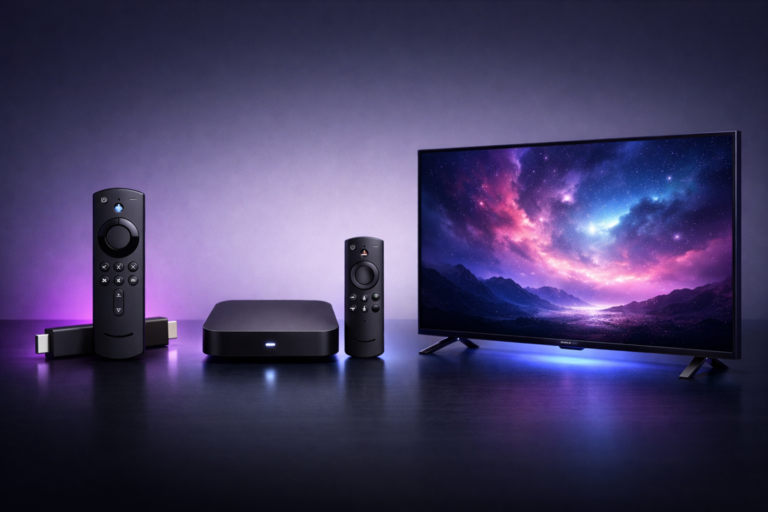
Best Devices for IPTV Smarters Pro in Canada: Firestick, Android Box & Smart TV (2026)
Choosing the right device makes all the difference when streaming IPTV Smarters Pro. A great box turns hockey night into a flawless 4K experience; a poor one leaves you stuck with buffering and crashes. This 2026 guide walks you through the best devices for IPTV Smarters Pro in Canada — what to buy, what to avoid, and which one fits your household.
What Makes a Device Good for IPTV Smarters Pro?
Before comparing models, it helps to know what really matters. A solid streaming device needs:
- Enough power: at least 2 GB of RAM and a modern quad-core processor for smooth HD/4K playback.
- 4K HDR support if you have a 4K TV — otherwise you’re paying for resolution you can’t see.
- Reliable Wi-Fi or Ethernet: dual-band Wi-Fi 5/6 is a must; Ethernet ports are a big plus.
- Easy app installation: the device should let you install IPTV Smarters Pro simply.
Amazon Firestick 4K Max — Best Overall
The Firestick 4K Max is the most popular choice for IPTV Smarters Pro in Canada — and for good reason. Under $80 CAD, it offers:
- 4K HDR streaming with Dolby Vision and Atmos support
- Wi-Fi 6 for stable streaming, even during peak hours
- A simple sideloading process to install the IPTV Smarters Pro APK
- Compact size — plugs directly into your TV’s HDMI port
For 90% of Canadian households, this is the best balance of price, performance, and ease of use. Pair it with our step-by-step installation guide and you’ll be streaming within five minutes.
Android TV Box — Best Value & Flexibility
For users who want maximum flexibility, an Android TV box (such as the NVIDIA Shield TV, Chromecast with Google TV, or solid Xiaomi models) is unbeatable. These boxes:
- Run full Android, so you install IPTV Smarters Pro straight from Google Play
- Support more video codecs natively (great for 4K streams)
- Usually include Ethernet ports for the most stable connection
- Let you customize apps, settings and even player decoders freely
NVIDIA Shield TV remains the premium pick for serious streamers in Canada, while affordable Xiaomi or generic boxes work great for budget-conscious users.
Smart TVs — Convenient but Mixed
Modern Smart TVs running Android TV (Sony, Philips, TCL, certain Hisense models) let you install IPTV Smarters Pro directly from the built-in store. No extra hardware needed.
Samsung (Tizen) and LG (webOS) TVs are more limited — the official IPTV Smarters Pro app isn’t always available. The easiest fix is to pair them with an external Firestick or Android box. Our support team is happy to recommend the best free option for your TV model when you subscribe to a plan.
What About Phones, Tablets, PCs and Macs?
You don’t always need a TV. IPTV Smarters Pro works flawlessly on:
- Android phones & tablets — install from Google Play in seconds.
- iPhones & iPads — available on the App Store.
- Windows PCs & Mac — perfect for streaming in a home office.
These options are ideal for cottages, bedrooms, or travelling around Canada when you’re away from your main TV.
Devices to Avoid
Not every device is worth the trouble. Skip these:
- Ultra-cheap “no-name” Android boxes under $40 — they often lack power and crash on 4K streams.
- Older Firesticks (pre-2020) — too underpowered for stable 4K.
- Apple TV — the IPTV Smarters Pro experience is more limited on tvOS compared to Android.
- Older Smart TVs (pre-2019) — slow interfaces and missing app support.
Which Device Should You Pick?
Here’s a quick decision guide based on your needs:
- Best balance of price & performance: Firestick 4K Max
- Best quality, no compromises: NVIDIA Shield TV
- Best value: Affordable Android TV box with 2 GB+ RAM
- If your TV is already smart: any Android TV model — install directly
- For sports lovers wanting 4K hockey: Firestick 4K Max or Shield TV, both with Ethernet adapter
Speaking of sports — if you’re mainly switching for live games, also check out our best IPTV Smarters Pro setup for hockey and sports.
Get Started With the Right Setup
The device you choose is the foundation of a great IPTV Smarters Pro experience. Pick one that matches your budget and TV, then grab your IPTV Smarters Pro plan from 19.99$. Activation is instant, and our 24/7 Canadian support is one WhatsApp message away if you need help setting things up.
Frequently Asked Questions
What is the best device for IPTV Smarters Pro in Canada?
For most households, the Amazon Firestick 4K Max offers the best balance of price, 4K streaming and ease of use. Power users may prefer the NVIDIA Shield TV for premium performance.
Can I use IPTV Smarters Pro on a Samsung or LG Smart TV?
Samsung (Tizen) and LG (webOS) TVs have limited native support. The simplest solution is to pair them with an external Firestick or Android TV box. Our support team can guide you.
Do I need a 4K device for IPTV Smarters Pro?
Only if your TV supports 4K. If you have a Full HD (1080p) TV, an HD-capable device is enough and may even stream more smoothly.
How much RAM does my Android box need for IPTV Smarters Pro?
At least 2 GB of RAM is recommended for stable HD streaming, and 3–4 GB for the smoothest 4K playback.